IRIG 106 Chapter 10 — .ch10, .c10
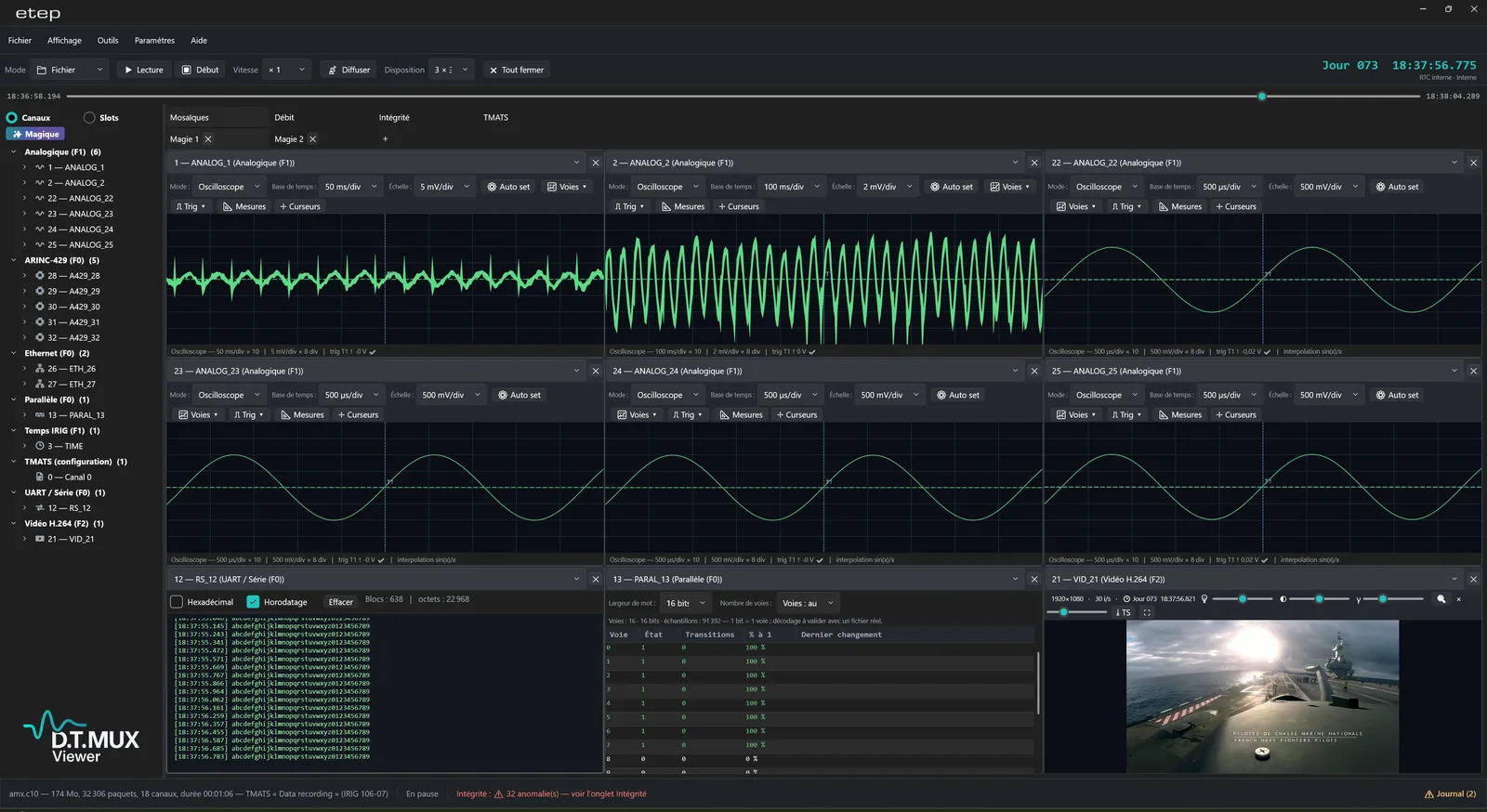
Files from any compliant recorder. The TMATS header is displayed and checked, and every channel is listed with its name, type and rate, ready to be placed on a display.

Free download
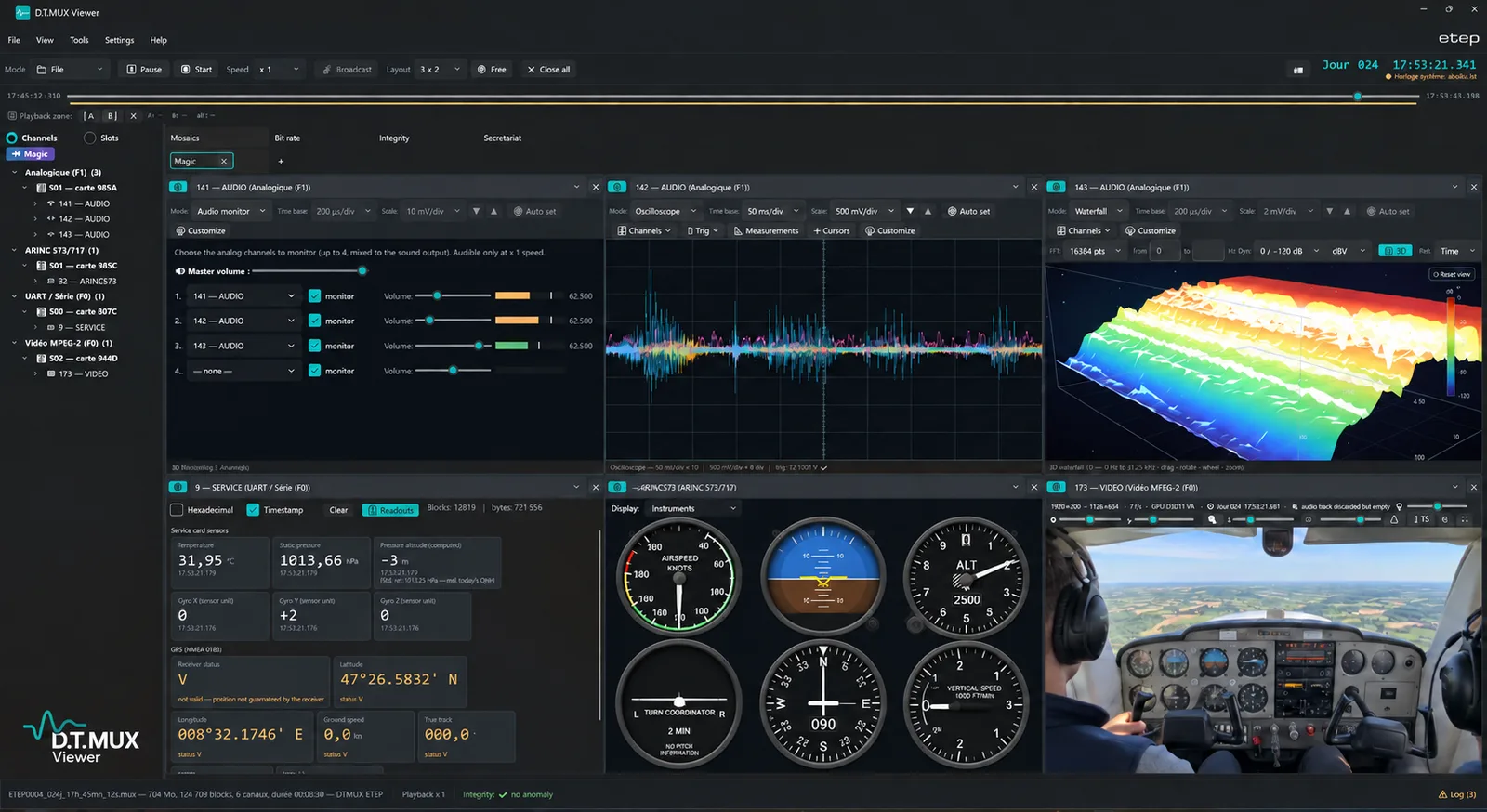
D.T.MUX Viewer reads IRIG 106 Chapter 10 recordings from any compliant recorder, as well as ETEP .mux files. Video, the trajectory on a map or in 3D, cockpit instruments, avionics buses and analog channels play back on a single time base — for the engineer analysing a test point and for the crew debriefing the flight.
✓ Free and unlimited with ETEP equipment · version 1.70.0
User manual (PDF) →WHAT IT OPENS
Chapter 10 is an open standard: a compliant file describes its own channels in its TMATS header and time-stamps every packet. That is all the Viewer needs — no conversion, no plug-in per manufacturer.
Files from any compliant recorder. The TMATS header is displayed and checked, and every channel is listed with its name, type and rate, ready to be placed on a display.
The native format of ETEP recorders, read directly with the same displays and tools. It also converts losslessly to Chapter 10.
Chapter 10 UDP streams from any compliant recorder or ground system — like ETEP's D.T.MUX streams — are displayed in real time exactly like a file, with the same layout in flight and after landing. A test centre running several manufacturers' equipment needs one tool for all of them.
TWO USES, ONE TOOL
Engineers need measurements; crews need to see what happened. D.T.MUX Viewer serves both from the same recording, without exporting anything to another tool.
Oscilloscope with cursors and more than twenty automatic measurements, 3D waterfall and order-based spectral analysis, PCM decommutation with sync monitoring, MIL-STD-1553, ARINC 429, CAN and Ethernet decoding, sample-accurate alignment across every channel displayed — and packet-level integrity views (checksum errors, sequence breaks, gaps, bit rate per channel) to validate a file before trusting it.
Cockpit or sensor video, the trajectory on an offline map or in 3D over the terrain, and the integrated ARINC 429 cockpit — PFD, classic dials, navigation map, 3D vision — play back together with the recorded parameters. Stop on an event, go back, show what the aircraft was doing and when — then keep the record in a PDF report.
POST-FLIGHT DEBRIEFING
Everything the recorder captured, on one screen and one time base: what the camera saw, where the aircraft was, what the instruments read and what the systems were doing at that instant.
Review a test point with the pilot shortly after landing: the video, the trajectory and the parameters of the manoeuvre side by side, before the data even reaches the analysts.
The instructor replays the flight with the trainee — approach, manoeuvre or procedure — from the cockpit camera and in 3D behind the aircraft, with the instruments and the track. The discussion rests on what happened, not on what each of them remembers.
After a mission, the crew goes back over the route, the sensor video and the sequence of events. The recording never leaves the debriefing station: the Viewer runs entirely offline.
When something unexpected happens in flight, the recording shows when and how: the parameter that drifted, what the video shows at that moment, where the aircraft was and in what attitude, in 3D over the terrain. The segment can be extracted and attached to the report.
3D FLIGHT
As soon as a recording carries a position — NMEA GPS or ARINC 429 — any cell can replay the flight on a globe with terrain relief: the aircraft oriented by its recorded attitude, its trajectory and photographic imagery, in step with the playback bar and on the same time base as the video and the instruments.
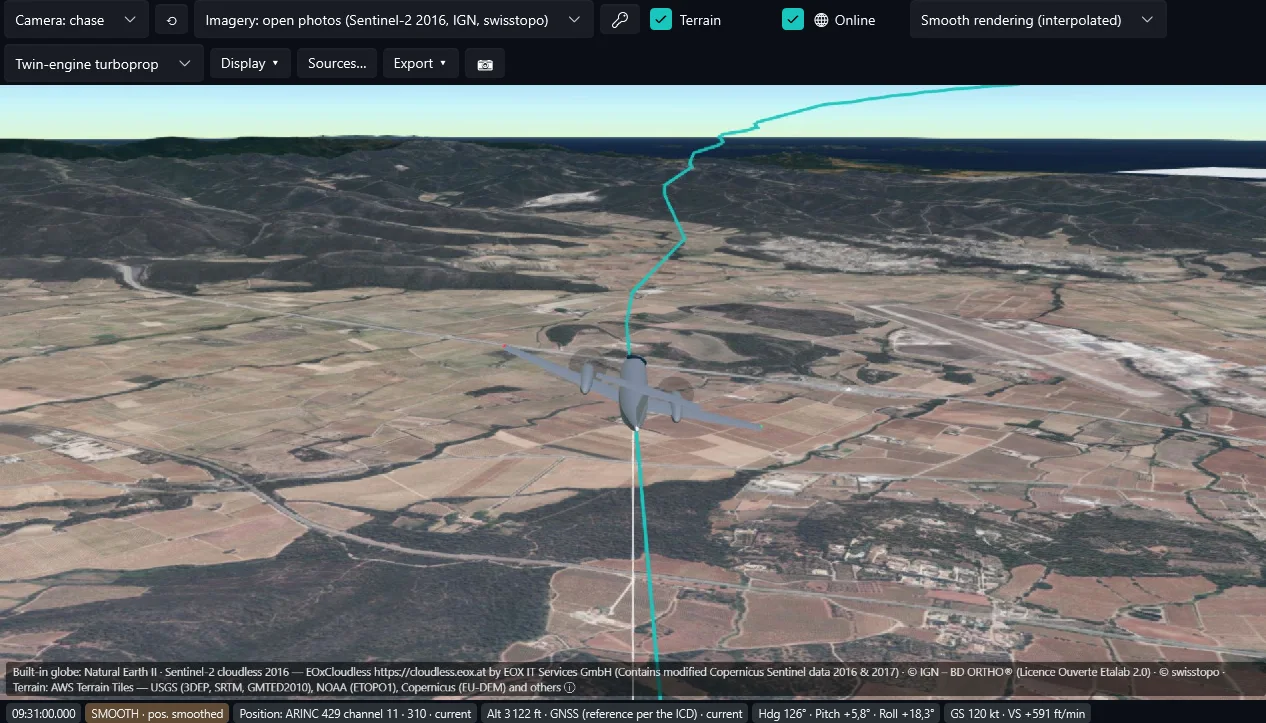
Chase, orbit, free, pilot or top-down view; click the trajectory to jump to the nearest recorded point. Light aircraft, twin turboprop, jet, helicopter, drone or target — no brand, no livery — or your own glTF model.
Evidence rendering in steps, or smooth rendering interpolated between two valid measurements — never across a gap. A quantity that was not recorded can be computed, and is then flagged as such.
A built-in globe works with no connection at all. Open imagery (Sentinel-2, IGN, swisstopo) or Esri with your own key is downloaded only when you ask for it.
Trajectory, position and attitude to Tacview (ACMI 2.2), Google Earth Pro (KMZ) or a spreadsheet (CSV), with their provenance. The 3D view goes into the test report.
The 3D view is a reconstruction from the recorded position and attitude, on present-day terrain and imagery: it places the flight, it does not show what the crew saw.
KEY FEATURES
RECORDERS
Recordings from ETEP equipment — Chapter 10 or D.T.MUX — open in D.T.MUX Viewer with every function, free of charge and with no time limit.
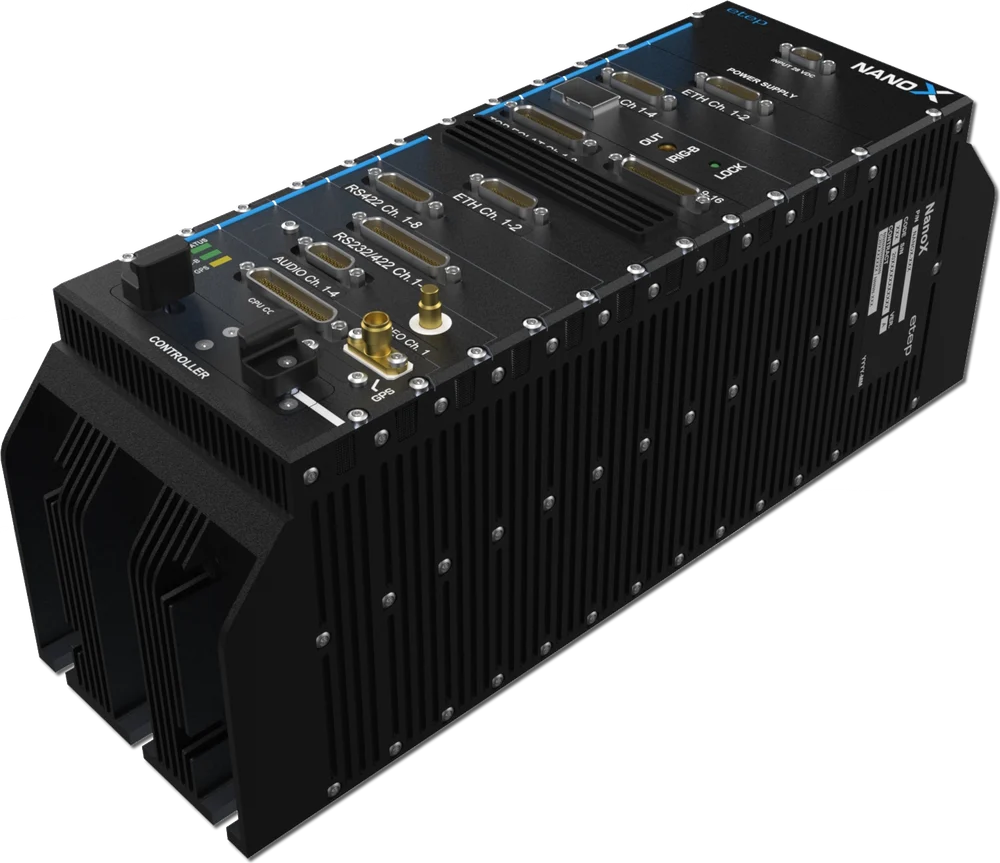
High-speed 1 Gbps acquisition / recording / replay / transmit.
VIEW MORE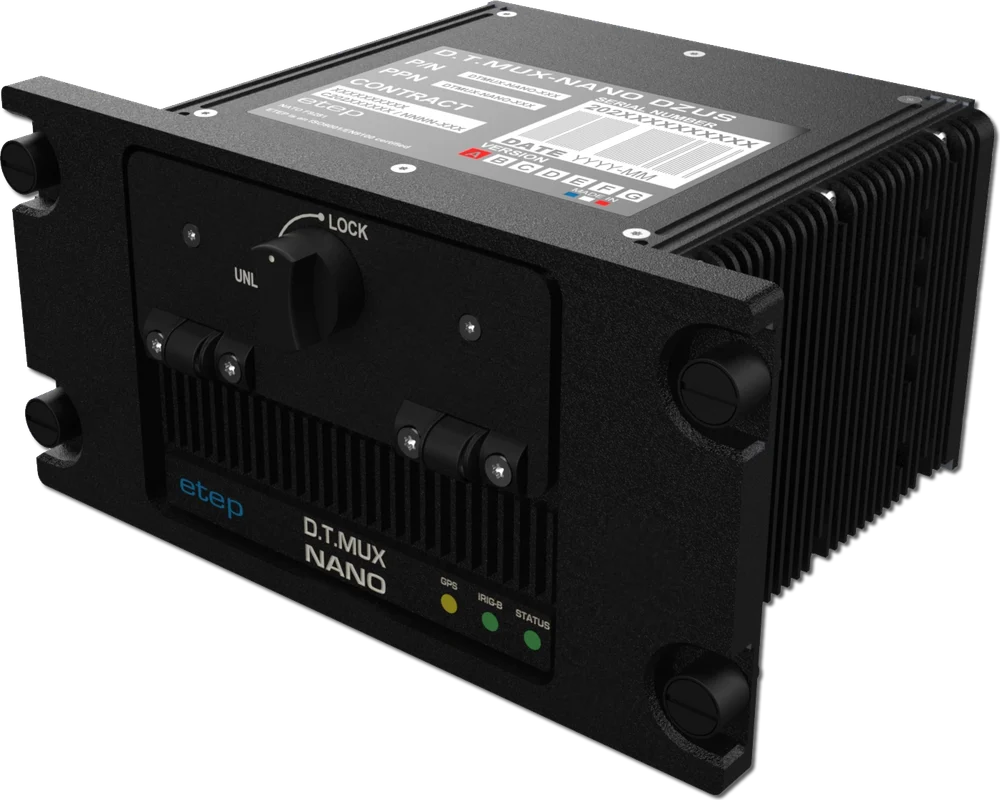
Lightweight multi-role recorder, removable SSD 64 GB–2 TB.
VIEW MORE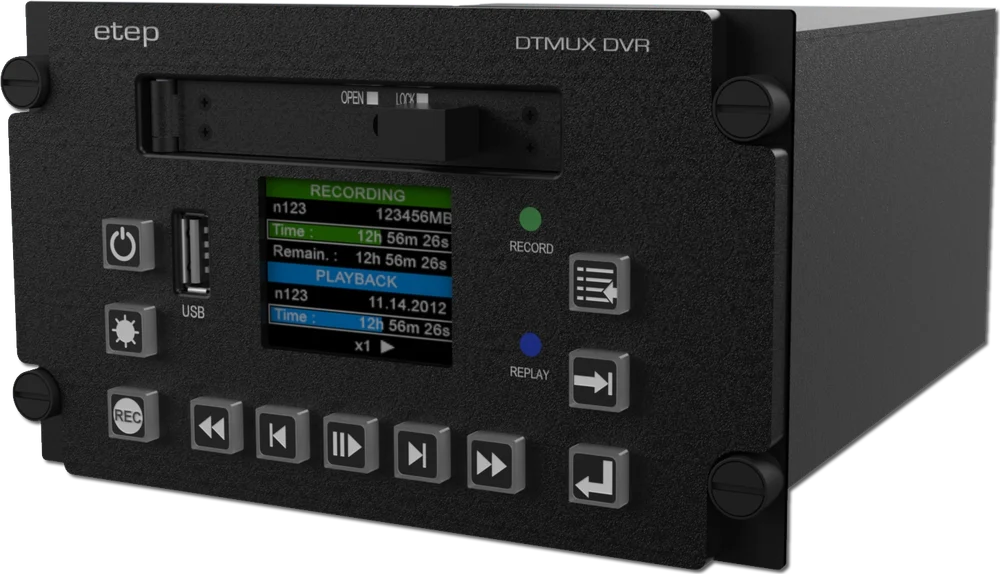
Full HD / 4K airborne video recorder, H.264 / H.265, up to 2 TB.
VIEW MORE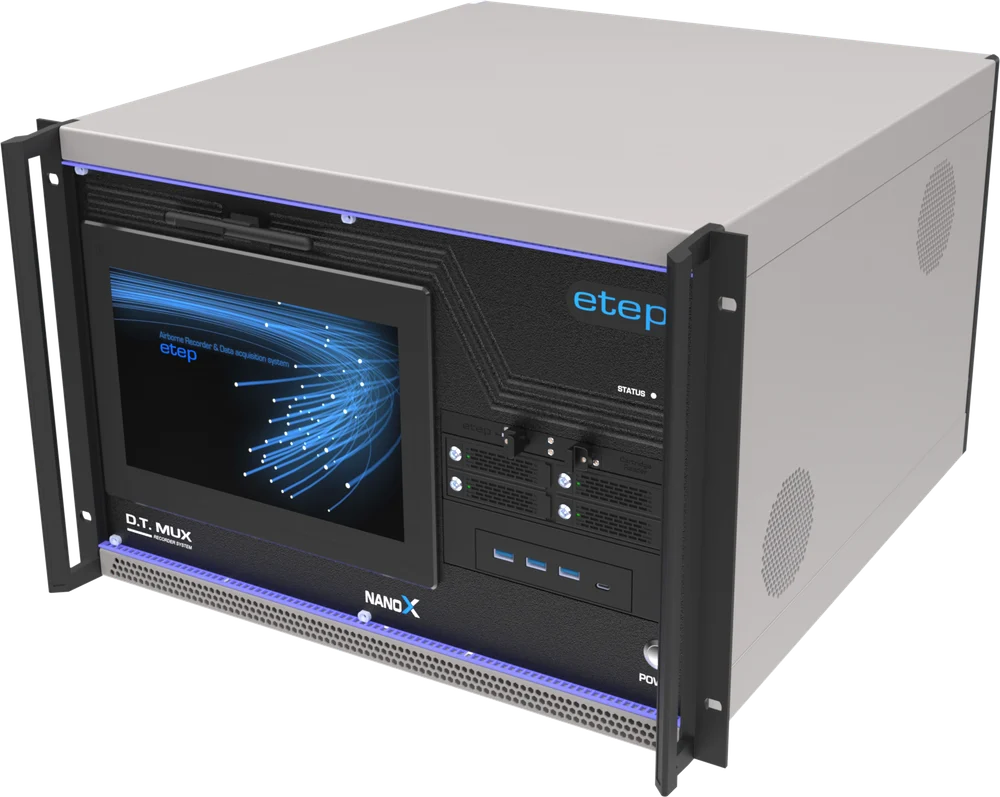
Telemetry receiver, recording, real-time viewing, replay & post-processing.
VIEW MORELICENSING
For recordings made with ETEP equipment — .mux files and Chapter 10 files written by D.T.MUX recorders — D.T.MUX Viewer is free, with every function and no time limit. For Chapter 10 files from other manufacturers' recorders, contact us: we will give you the licensing terms.
OTHER D.T.MUX SOFTWARE
The whole software suite →FREQUENTLY ASKED
Install D.T.MUX Viewer on a Windows 10 or 11 PC and open the .ch10 or .c10 file. The Viewer reads the TMATS header, lists the recorded channels and lets you place them on displays — oscilloscope, video, map, instruments, bus decoders. No conversion step is needed.
Any recorder that writes IRIG 106 Chapter 10 compliant files, whatever the manufacturer, plus the D.T.MUX (.mux) format of ETEP recorders. Chapter 10 is an open standard: the file describes itself, which is what makes it readable by any compliant software.
Yes. Besides the TMATS header, displayed and checked, the integrity and bit-rate views show checksum errors, sequence breaks, gaps and the bit rate of each channel, packet by packet — a suspect file is diagnosed before it is analysed.
Yes. It opens Chapter 10 files from any compliant recorder and displays any compliant Chapter 10 UDP stream in real time, whatever the manufacturer, next to ETEP's D.T.MUX files and streams — with the same layouts for live monitoring and for replay.
Yes, for recordings made with ETEP equipment: every function, with no time limit. For Chapter 10 files from other manufacturers' recorders, contact us for the licensing terms.
Yes. Cockpit or sensor video, the GPS track on an offline map, virtual ARINC 429 instruments and the recorded parameters play back together on a single time base. Debriefing layouts can be saved and reused from one flight to the next, and a PDF report keeps the record.
Yes, since version 1.70. When the recording carries a position — NMEA GPS or ARINC 429 labels 310/311 — any cell can replay the flight on a 3D globe with terrain and imagery, the aircraft oriented by its recorded attitude, with chase, orbit, free, pilot and top-down cameras. It works in file replay (not in live reception), needs 3D acceleration and the Microsoft Edge WebView2 component, and remains a reconstruction on present-day terrain and imagery, not what the crew saw.
No. D.T.MUX Viewer runs 100% offline: recordings never leave the machine that opens them, which suits confidential flight data. The maps and the 3D view work offline too, on a built-in globe; finer imagery and terrain are downloaded only if you tick "Online".
H.264, MPEG-2 and JPEG2000, synchronized with the data recorded alongside them.
Yes. Chapter 10 UDP streams from any compliant source and ETEP D.T.MUX streams are displayed in real time, and on ETEP ground-station cards the Viewer also acquires, records on trigger and replays.
Segments can be extracted and exported to CSV from both .c10 and .mux files, GPS tracks to GPX or KML, the 3D trajectory with its attitude to Tacview (ACMI 2.2) or Google Earth Pro (KMZ), and reports to PDF or HTML. For bulk conversion of D.T.MUX recordings, D.T.MUX Converter exports to binary, float, ASCII, Excel and MATLAB-compatible formats.
Download D.T.MUX Viewer — free with ETEP equipment. For files from other recorders, ask us about a licence.
Download D.T.MUX Viewer for free →Type at least two letters. Enter opens the first result.